Find Someone on Dating Sites by Phone Number
Learn how to find someone on dating sites by phone number, which free checks confirm an account, and why a clean result doesn't necessarily mean anything.
Guides
Luke Belfield
Sep 16, 2026 • 6 min read

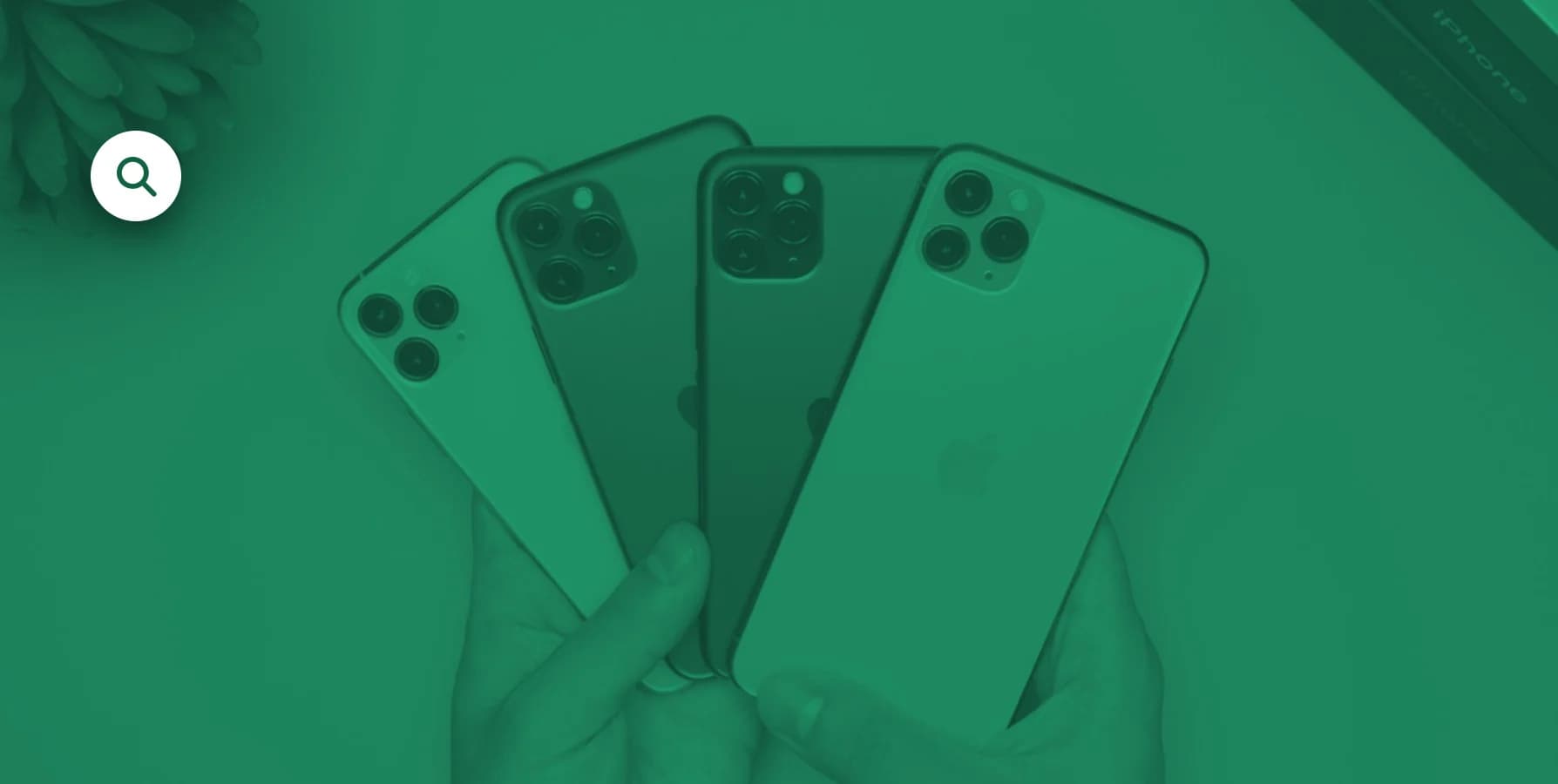
On an iPhone, an app doesn't have to disappear to be hidden, it just has to move somewhere you don't usually look.
There are a few ways to find hidden apps on an iPhone. Apple builds in several places where apps can sit unseen, and checking all of them, plus unhiding anything you find, takes under two minutes.
However, a word of caution before we begin. Everything below applies to a phone you're allowed to use, be it your own, a shared family device, or one your partner has already handed you. Going through someone else's phone without their knowledge crosses a line worth respecting, even when the curiosity (or suspicion) is real.
iOS doesn't have a single "hide app" button for most apps, but it has three features that add up to the same effect.
First, the App Library automatically keeps every installed app even after it's been removed from the Home Screen, so a swipe-away icon isn't a deleted app.
Second, Screen Time's Content & Privacy Restrictions can approve or block specific apps without ever touching whether they're installed.
Third, apps bought or downloaded under a different Apple ID inside a Family Sharing group won't always show up the same way across every device.
This how Apple organizes a crowded phone, which can potentially double as a decent hiding spot.
1. Check the App Library. Swipe left past the last Home Screen page. Every installed app lives here, sorted automatically into categories, even ones that were removed from the Home Screen entirely months ago.
2. Search the phone directly. Swipe down from the middle of any Home Screen and type an app name. If it's installed anywhere on the device, it shows up here regardless of which screen or folder it's buried in.
3. Open Settings > Screen Time > Content & Privacy Restrictions > Allowed Apps. This shows which apps are explicitly permitted or blocked, which can surface names that don't match anything on the visible Home Screen.
4. Check Settings > General > iPhone Storage. This lists every app on the device sorted by storage size, independent of the Home Screen layout or App Library categories.
5. Look at the App Store's Purchased tab. Under the profile icon in the App Store, this shows every app ever downloaded on that Apple ID, including ones since deleted from the phone itself.
Sometimes the question isn't finding an app, it's getting one back that's been intentionally hidden. There are three separate settings that control this:
Finding an app you don't recognize doesn't automatically mean something is wrong. It might be a work tool, an old game, or something installed long ago and forgotten or no longer used. If you're still wondering, you should focus on the phone number for the phone the app is on. That’s usually much more useful to check.
Here, ClarityCheck's reverse phone lookup may help identify who a number is registered to and where it's associated. A reverse phone lookup uses publicly available records rather than anything pulled from the device.
For the wider picture, you can read "How to Catch a Cheater: Find the Digital Trail Without Touching Their Phone" and "Is My Husband or Wife Cheating? 13 Signs" walk through the other signs worth paying attention to. If you suspect someone might be hiding a dating app, you could also check out our article on how to find out if someone is on Tinder.
Learn how to find someone on dating sites by phone number, which free checks confirm an account, and why a clean result doesn't necessarily mean anything.
Should you call someone who blocked you? What *67 really does, why voicemail still lands, what never works, and the legal line you should not cross.

A salvage title means the car was totaled. Learn what triggers the brand, whether you can insure or finance it, and how to check any VIN before you buy.